Puzzle Studio
Jigsaw puzzles with real interlocking pieces, from 4 to 36 pieces.
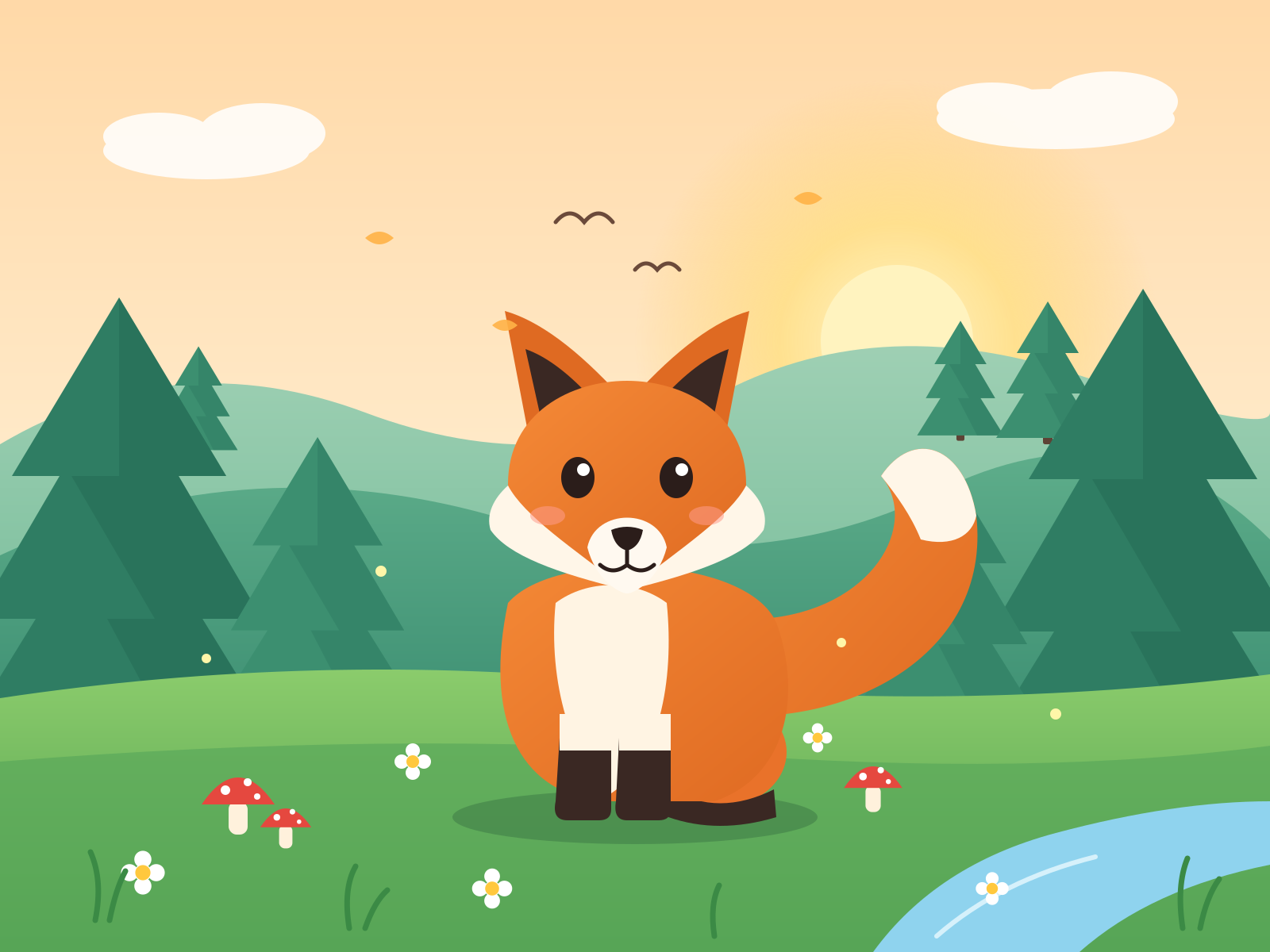
How to play in three steps
Pick a picture
One of the gallery illustrations or a photo of your own, which never leaves your device.
Pick a difficulty
From 4 to 36 pieces: from a first puzzle for little ones to a real challenge.
Build the puzzle
Drag pieces with a finger or the mouse: when they are close to the right spot they snap in.
Full instructions
- Pick an illustration from the gallery or load a photo of your own: it stays on your device and is never uploaded.
- Choose a difficulty: 4, 9, 16, 25 or 36 pieces.
- Drag pieces from the tray onto the board with a finger or the mouse. Scroll the tray to see every piece.
- When a piece is close to the right spot it snaps in and stays put.
- On big puzzles zoom the board with two fingers (or the + and − buttons) and use the preview or the hint if you get stuck.
- Finish the puzzle to see the final celebration, then start over or choose another picture.
What’s inside
- Six original illustrations: animals, nature, space, sea and fantasy.
- Pieces with real interlocking edges, not simple squares.
- Load your own photo: it is processed only in your browser.
- Automatic saving: close the page and pick up later.
- Touch-first controls, with full mouse and keyboard support.
- Works offline once installed.
Play offline too
After your first visit the resources are stored on your device. Install SBR Games as an app to open it without a connection.
Frequently asked questions
Is Puzzle Studio free?
Yes. It is free, with no account, no ads and no purchases.
Is my photo uploaded online?
No. Your photo is processed and stored only on your device, inside the browser.
Can I play without a connection?
Yes. After your first visit the resources are stored: install the app to open it offline too.
Do I lose my game if I close the page?
No. The game saves automatically and next time you can continue where you left off.
What is the right difficulty for children?
4 or 9 pieces for little ones; 16 pieces and up for older children and adults.